

Every trip ends the same way: hundreds of photos on your phone, a handful you’ll actually post, and the rest sitting untouched in a camera roll folder you’ll probably never open again. Turning that photo dump into an actual travel video used to mean hours in an editing app, matching cuts to music, and fighting with export settings for every platform. That’s changed. A newer generation of AI tools can now take a batch of travel photos and turn them into a finished, shareable video automatically — no editing background required.
How AI Photo Video Makers Work
The process is fairly consistent across tools: you upload a set of photos, the software analyzes them, applies motion (pans, zooms, subtle parallax effects) so nothing looks like a static slideshow, sequences everything with transitions, and syncs the pacing to a soundtrack. Some tools go further with more lifelike animation — adding gentle movement to a landscape or a portrait rather than just panning across it — which makes the final clip feel closer to real footage than a slideshow.
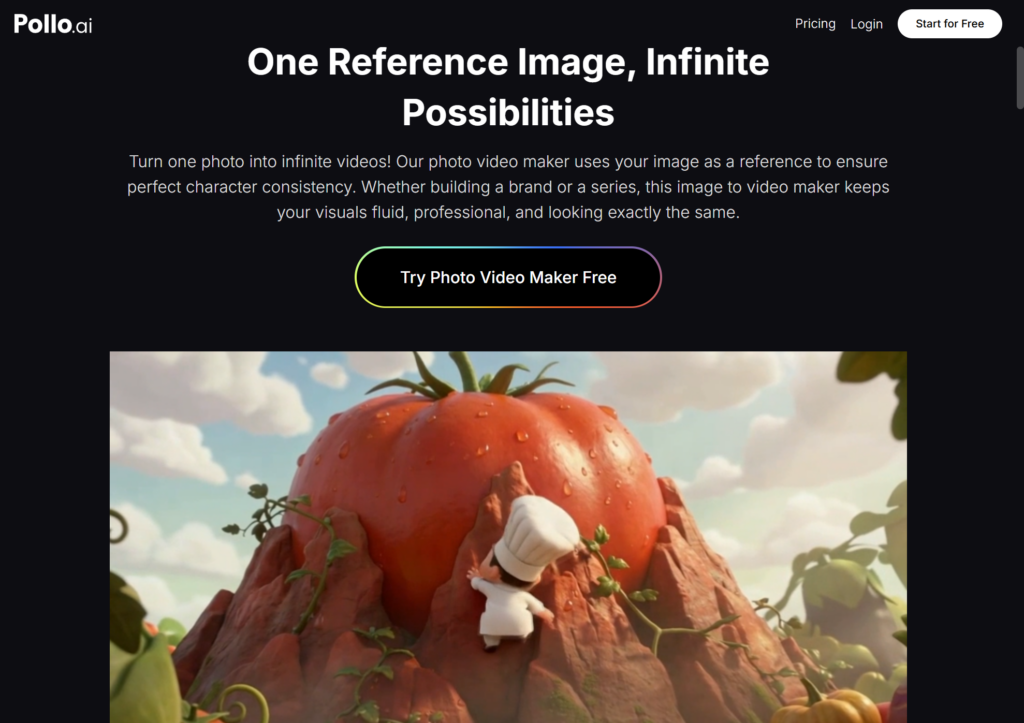
Options in this space include CapCut’s photo-to-video features and Pollo AI’s AI Photo Video Maker, which handles the transitions-and-pacing work automatically once a photo set is uploaded. Pollo AI’s version leans toward simple presets rather than a manual timeline, which suits anyone who just wants a finished recap without learning editing software first.
Why This Matters for Travel Content
Travel photography has a specific problem other content doesn’t: volume. A two-week trip can easily produce a thousand photos, and no one wants to scroll through all of them — including the person who took them. A short video recap solves that. It compresses a trip into 30-60 seconds that’s actually watchable, and it’s the format most people now expect on Instagram and TikTok anyway, rather than a static album post.
It also solves a pacing problem. Manually deciding how long each photo stays on screen, when to cut, and how to sync it to music is tedious even for a short recap. Automating that step, which is what tools like Pollo AI are built around, is where these tools save the most time — especially for anyone posting recaps regularly rather than once a year.
Prepping Your Photos Before You Start
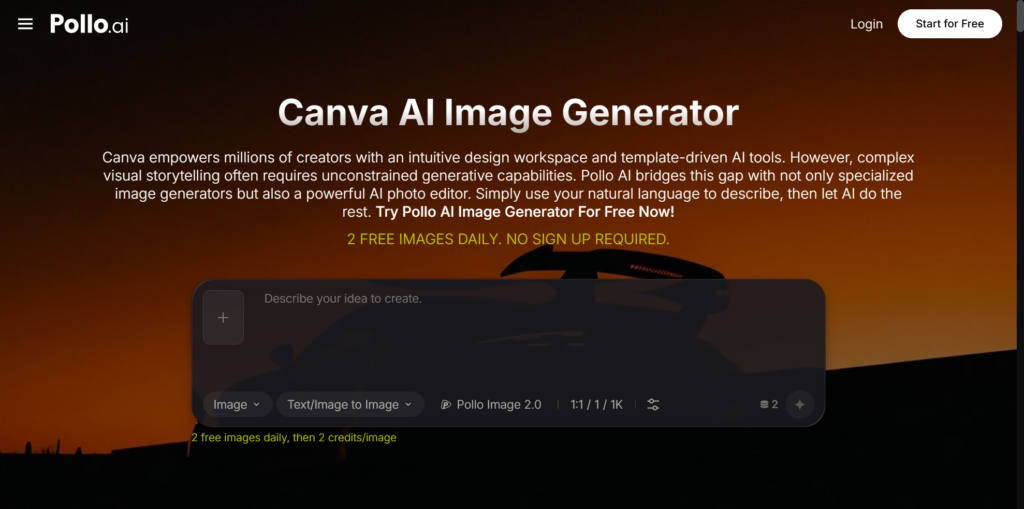
Photo quality matters more here than people expect, since motion effects — especially zooms — tend to expose issues a static photo hides, like slight blur or poor lighting. If a few of your best shots need a quick fix before going into a video project, running them through an image editor first is worth the extra few minutes. Canva, available through Pollo AI’s editing tools, handles basic adjustments like cropping, brightness, and simple background cleanup well — a quick prep step that makes a real difference once motion is applied, since a sharp, well-lit photo holds up to a zoom far better than one with visible blur or noise.
Step-by-Step: Building a Travel Recap Video
Start by narrowing down your photos
This is the step most people skip, and it matters most. A recap built from your best 15-20 shots — a mix of landscapes, food, people, and a few candid moments — will almost always look better than one built from 100 photos of wildly varying quality.
Choose your pacing
Fast cuts suit an energetic trip recap (city-hopping, a festival), while slower, spaced-out pacing suits scenic or relaxed trips (a beach week, a hiking trip). Most tools offer presets rather than requiring manual timing.
Add music before reviewing the cut
Since transitions typically sync to the beat automatically, adding your soundtrack first gives a more accurate sense of the finished pacing than reviewing silent footage.
Check the auto-generated motion before exporting
Automated zooms and pans are usually well-placed, but it’s worth a quick check that faces or key subjects aren’t awkwardly cropped mid-zoom, especially on portrait exports.
Export for the platform you’re posting to
Vertical for Reels and TikTok, square for a feed post, horizontal for YouTube. Most tools generate more than one aspect ratio from a single project rather than requiring a full re-edit.
A Few Things Worth Knowing
Shorter recaps tend to perform better than longer ones — most viewers lose interest well before the one-minute mark, so trimming your photo set down is usually worth more than trying to fit everything in. It’s also worth testing a couple of different pacing presets on the same set of photos before settling on one, since the right pace depends heavily on the trip itself, not just the platform you’re posting to.
Where Travel Content Is Heading
As these tools keep improving, the gap between “a folder of trip photos” and “a finished travel video” keeps shrinking. What used to require real editing skill is now mostly a matter of picking good photos and letting the software handle the technical work. For anyone with a backlog of trip photos sitting unused, it’s worth testing one of these tools on a single trip before your next one — the time saved compared to manual editing is usually obvious after the first try.
 By Amey Myers


