
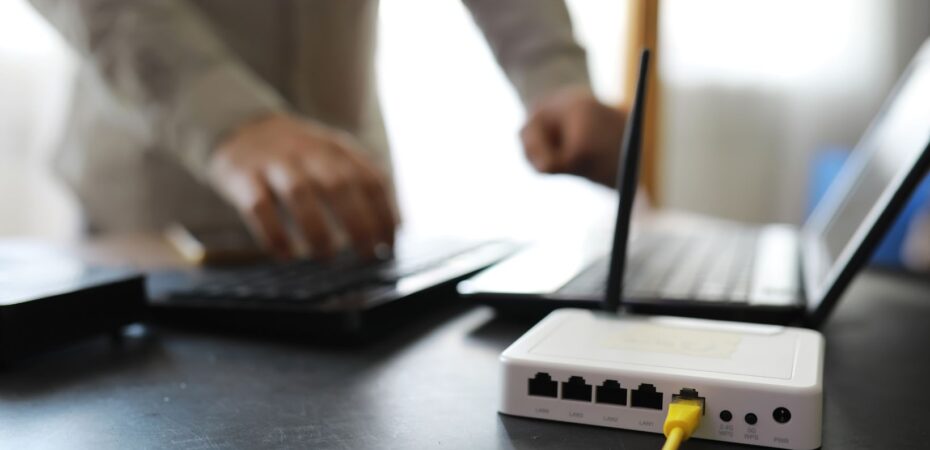
Wi-Fi sends the internet to your devices by using radio waves. A router can use one band, two bands, or even three bands to move that signal around your home.
When more devices connect together, extra bands help a lot. Without them, things slow down quickly.
This article talk about dual-band and tri-band routers. We will also share tips that you can use right now at home.
What Is A Dual-Band Router
A dual-band router works on two frequencies: 2.4 GHz and 5 GHz. The 2.4 GHz band travel farther and passes through walls easily. But it is slower and crowded.
The 5 GHz band gives higher speed and less interference but the range is shorter. Phones, laptops, and smart TVs perform better on 5 GHz when they stay close to the router.
For small or medium size homes, a dual-band router provides a mix of speed and coverage. In many houses, this is already enough. You can test your home router speed by visiting here.
What Is A Tri-Band Router
A tri-band router adds one extra wireless band. Most tri-band routers use one 2.4 GHz band and two 5 GHz bands. Some newer models use 6 GHz as the extra band with Wi-Fi 6E.
This extra band increase total capacity. The router can move heavy users to one band and keep lighter devices on another. Everything feels more balanced.

If many people watch 4K videos, join video calls, or play online games at same time, a tri-band router helps reduce lag and buffering.
How They Differ In Everyday Use
The biggest difference appear when many devices are active. A dual-band router works fine for families with phones, laptops, one TV, and some smart devices.
A tri-band router work better in big homes or busy houses where many devices need high speed together. These routers cost more money and can feel a little confusing to setup.
However they help share the available speed efficiently when there are many users online.
When you travel or stay in hotels, always check if free Wi-Fi is available. Test the connection before doing heavy work or streaming.
Tips To Get The Right Wi-Fi
You should place your router near the house center. Try to keep it high if possible so signals spread better.
If you are using it for gaming or streaming, use Ethernet cables. This free up wireless space for other devices.
Turn on the 5 GHz band for fast devices and leave simple smart gadgets on 2.4 GHz. Also if your home has many devices, a mesh system or tri-band router can reduce slowdowns.
 By
By 


