
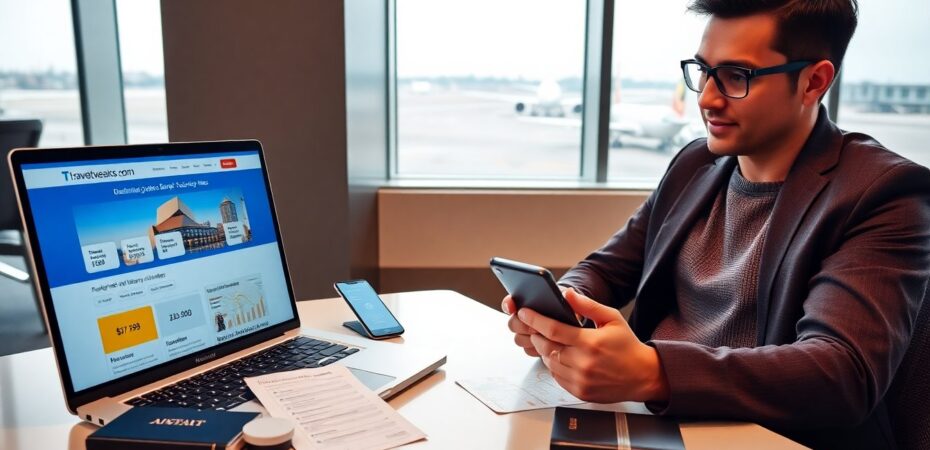
Traveltweaks.com/ helps travelers find clear advice and useful tools. It gathers guides, maps, and planning aids in one place. It lists tips for budgets, safety, and local rules. It shows simple ways to save time and money. It suits casual tourists, frequent flyers, and small-group planners who want practical travel help.
Key Takeaways
- TravelTweaks.com offers practical travel advice and tools tailored for casual tourists, frequent flyers, and group planners to simplify trip preparation.
- The site features searchable, filterable guides and checklists covering budgets, safety, local rules, and itinerary planning to save time and money.
- Its itinerary builder and printable maps help users organize travel efficiently, even offline, with budget and visa reminders included.
- Users should verify time-sensitive information like visa and health rules with official sources and heed local safety advice tagged on the site.
- TravelTweaks.com’s mobile-friendly design supports offline use, quick updates, and secure browsing recommendations to enhance travel convenience and safety.
What Is TravelTweaks.com And Who It’s For
TravelTweaks.com aims to give direct travel advice and tools. It curates short guides, checklists, and tool pages. It covers flights, lodging, transport, visas, and local tips. The site serves solo travelers, families, and business travelers. It also helps planners who need quick itinerary fixes. It favors straightforward steps over long essays. It updates content when rules or prices change. It links to primary sources when a fact needs verification. It tries to reduce research time for people who want clear answers fast.
Key Features And Content Categories
TravelTweaks.com groups content into clear sections for ease of use. It lists destination guides, budget hacks, safety notes, and planning tools. It offers filterable articles and short checklists. It separates evergreen advice from time-sensitive updates. It tags items by pace, cost, and family friendliness. It includes user comments and simple rating badges. It highlights quick wins that save money or time. It links to maps and printable checklists for offline use.
Search, Filters, And Personalization
The site offers a search bar with filters for date, budget, and travel style. Users can filter by activity type, such as hiking or museums. The filters return short results with clear summaries. The site remembers recent searches if the user opts in. The personalization helps users skip irrelevant pages. It reduces time spent browsing. It also suggests nearby alternatives when a service is full.
Itinerary Tools, Maps, And Planning Resources
TravelTweaks.com includes simple itinerary builders and printable maps. Users can add stops and time blocks, then export a compact plan. The maps show transit lines, key landmarks, and estimated travel times. The tools calculate rough budgets from user inputs. They flag visa and vaccine notes when applicable. The planning resources work offline after download. They aim to keep plans short and actionable.
Practical Tips For Using TravelTweaks To Plan Trips
Users should start with a short search on traveltweaks.com for the destination. They should open the most recent guide and read the summary first. They should copy checklists to a phone note and edit for needs. They should use the itinerary tool to block travel and rest times. They should compare the site’s budget estimates with one booking site. They should print offline maps for low-signal areas. They should save emergency contacts listed on the site to their phone. These steps cut planning time and reduce last-minute surprises.
Evaluating Content Quality, Safety, And Local Advice
TravelTweaks.com marks pages with update dates and source notes. Readers should check those dates for time-sensitive rules. They should cross-check visa and health claims with official government pages. The site includes safety checklists for common risks like pickpockets and transport strikes. It also shares local customs and simple dos and don’ts. It tags advice that comes from local contributors. Readers should use that tag to weigh local voice versus official procedure. When safety seems unclear, readers should contact local authorities or consulates directly.
Mobile Experience, Apps, And Browser Tips
TravelTweaks.com uses a responsive layout that fits phones and tablets. Users can save guides to their home screen for quick access. The site compresses images for slower mobile networks. Users should enable offline mode for guides before they leave Wi‑Fi. The site also recommends using a browser with tab pinning to keep itineraries open. It warns against public Wi‑Fi for bookings and suggests a simple VPN if needed. For local events and gatherings, the site sometimes links to event pages for times and locations: one example points to a free fan gathering for a sports event on the official schedule. The mobile view displays short popups for changes to flights or transit so users can act fast.
 By Amey Myers